
Buy and Sell at the market price
Pick a symbol from your broker’s own list, set the lot size, add a Stop Loss and Take Profit if you want them, and confirm.
Trade your MT5 forex account from the same place you journal it. The chart shows every open trade with its Stop Loss and Take Profit.
Try TradeTerminal free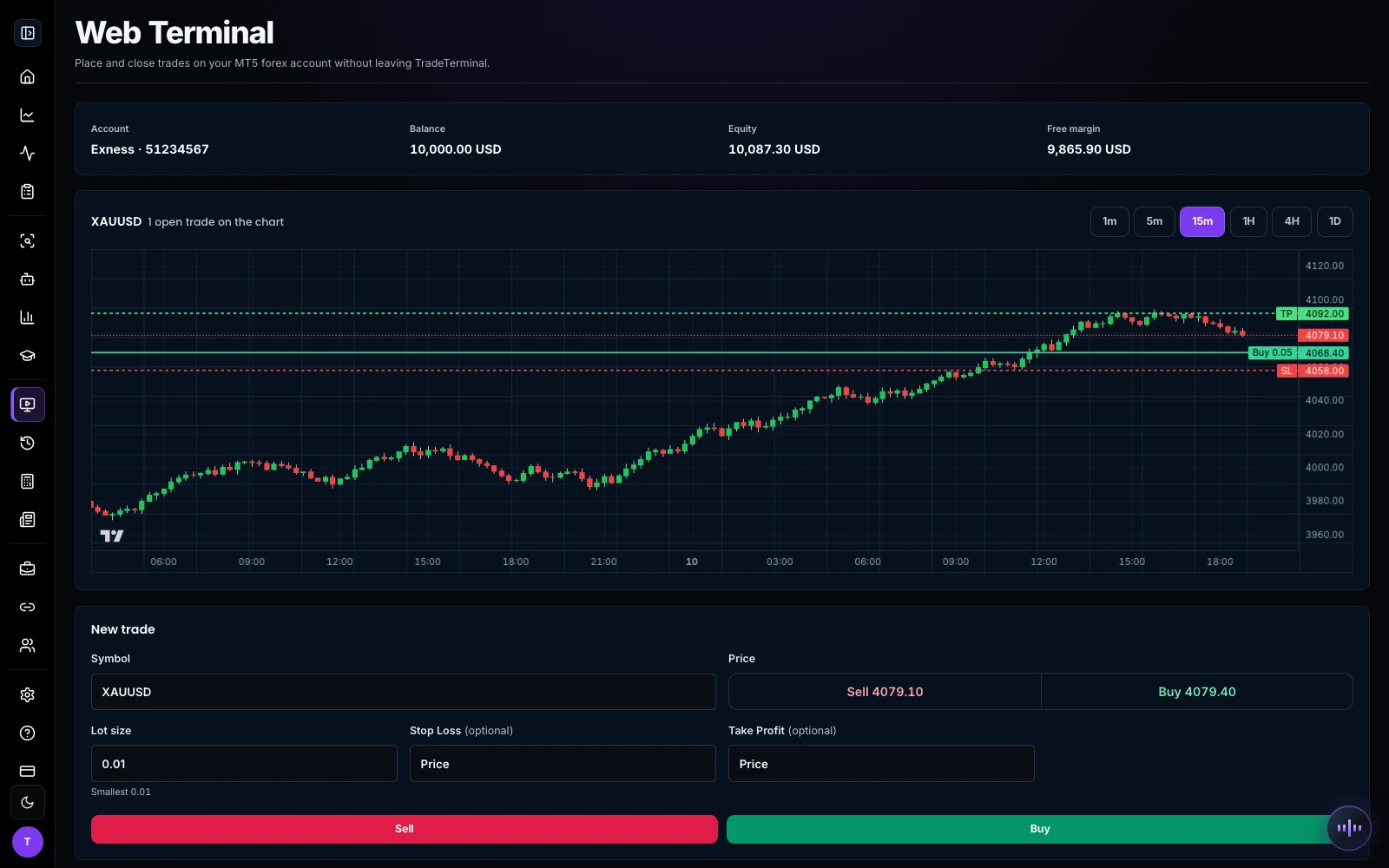
Pick a symbol from your broker’s own list, set the lot size, add a Stop Loss and Take Profit if you want them, and confirm.
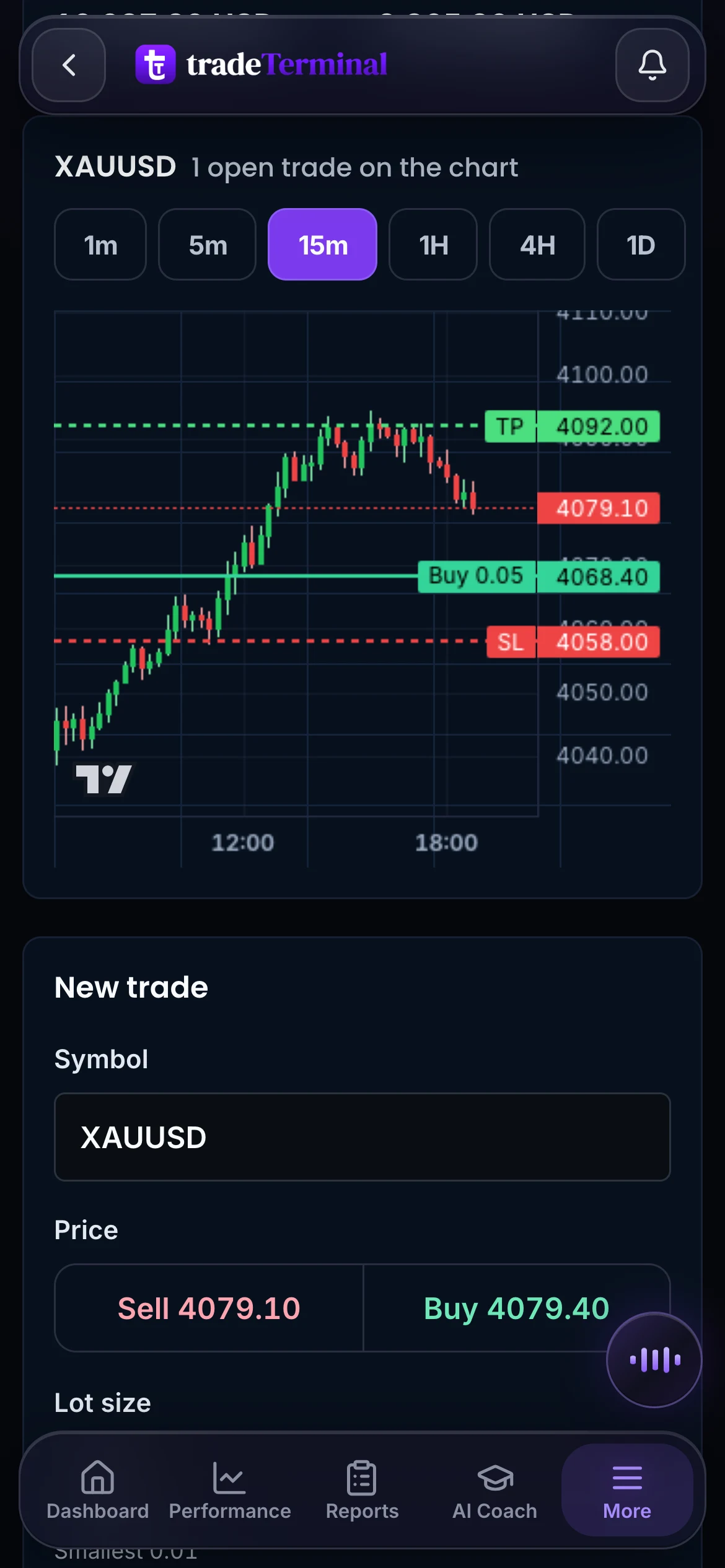
Candles from 1 minute to 1 day. Each open trade is drawn with its entry, Stop Loss and Take Profit, so you see where price stands against your plan.
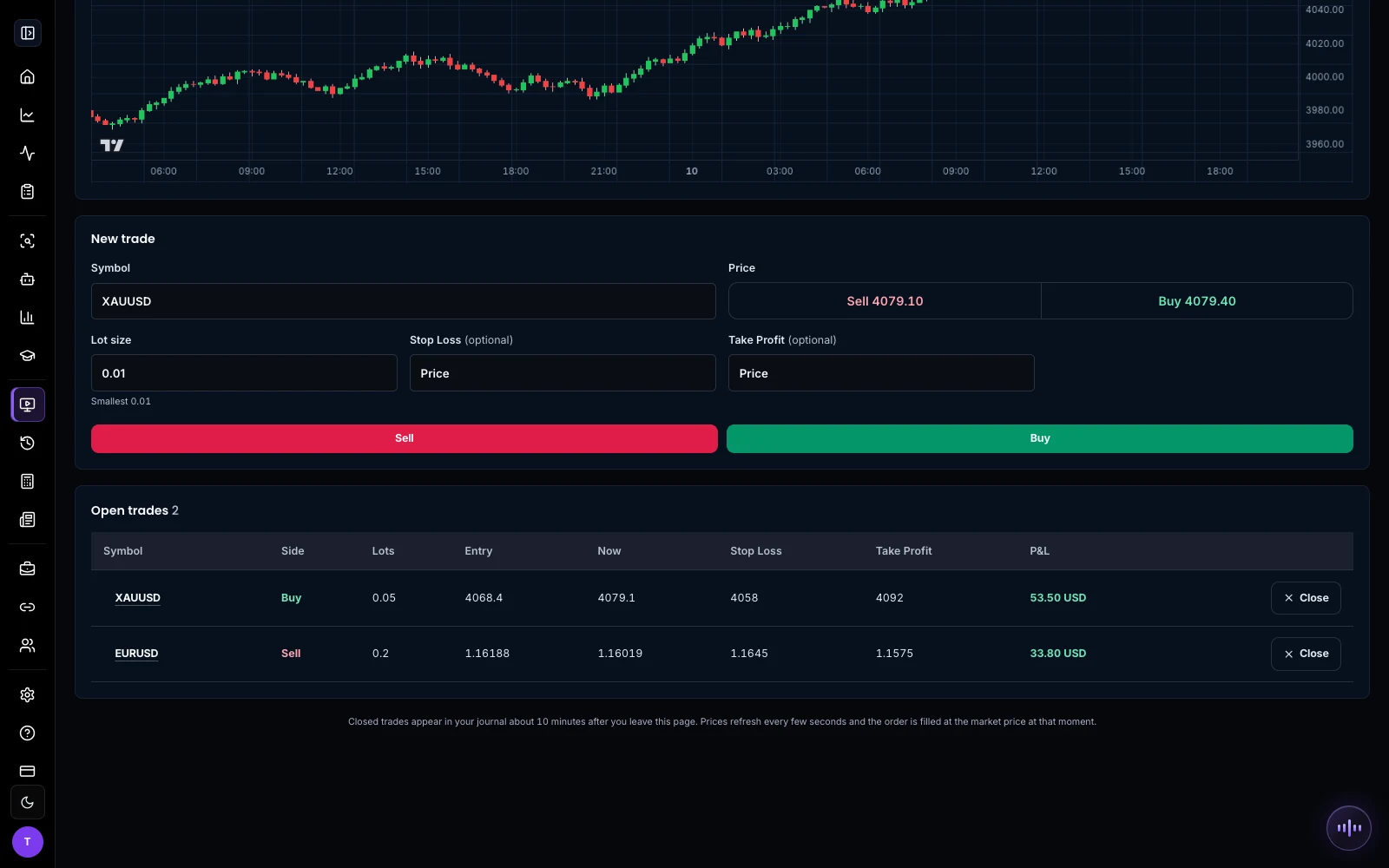
Open trades are listed with entry, current price and running profit or loss. Close asks once before it closes.
An MT5 account connected with its trading password can trade from the Web Terminal at once; one connected with the investor password stays read-only until you enter the trading password there. The password is not saved on TradeTerminal, and money can never be withdrawn. Works with MT5 forex accounts.
Dashboard · Trade Journal · Analytics · Calendar · Broker Sync · AI Trade Coach · Market Intelligence · Product Tour · Pricing
Free for this week. From next week it will be paid: $45 per month. No card required now. Made for Indian traders.
Create your free account